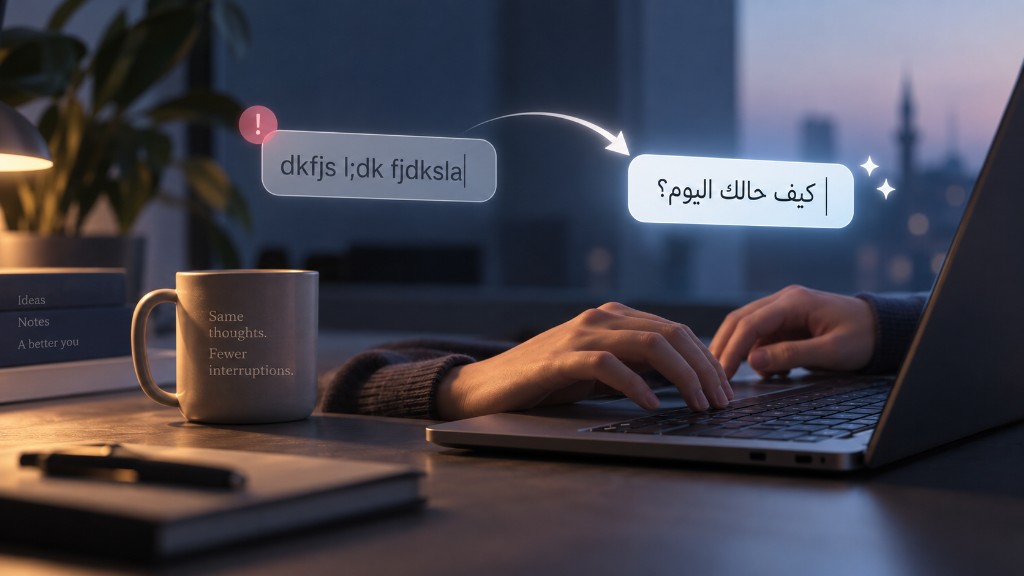
You look up from the field and the line is garbage. Not a typo. Not a weak word. A whole phrase rendered in the wrong alphabet because the layout never switched. You delete, tap the language key, retype, and hope the thought is still there. Ten seconds. Sometimes more. The original sentence is gone.
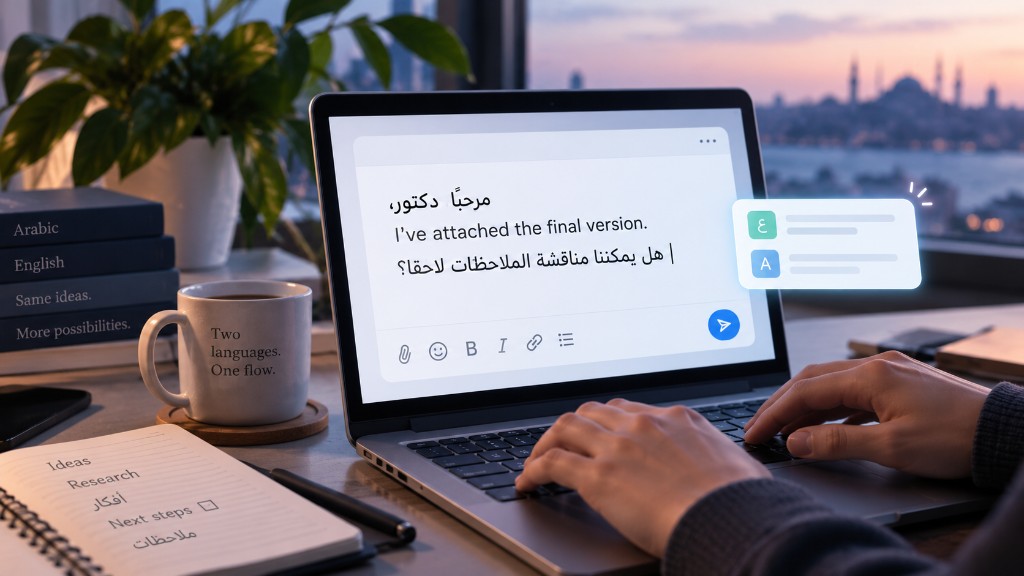
If you live in Arabic and English, this is not rare. It is a daily tax. Chat, email, a form on a university portal, a comment on LinkedIn. The mind is already in the next clause. The fingers were honest. The keyboard was not.
Spellcheck cannot see this
Ordinary spellcheck looks at letters and asks whether they form a dictionary word. Wrong-layout text often does form “words” — just in the other language’s keyboard map. English keys produce strings that look like Latin gibberish. Arabic keys produce strings that look like Arabic gibberish. Neither is a misspelling of what you meant.
That is why pasting into a grammar site rarely helps. The tool tries to “fix English” that was never English. You still have to reconstruct the sentence from memory. The break is in the layout, not in your vocabulary.
Repair belongs in the field
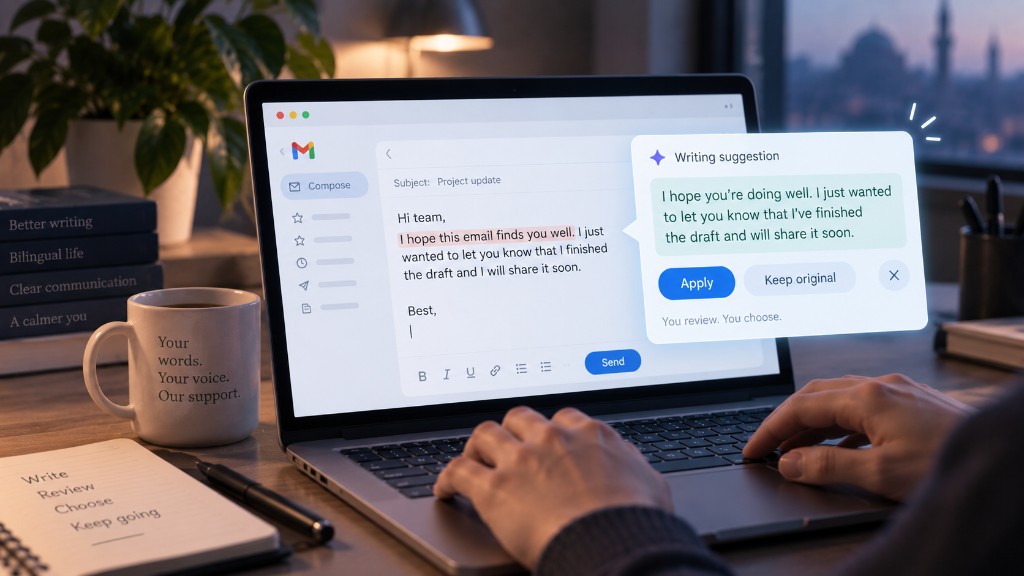
The useful move is to map the keys back: the physical buttons you pressed, under the layout you intended. Flowlary’s keyboard repair does that in the field you are already in. You review the repaired line. You accept it with a shortcut, or you dismiss it.
Nothing is rewritten behind your back. The original text stays until you choose. That matters when the field is a live chat, a grading form, or a message you almost sent.
What this is not
Keyboard repair is not a promise that every mixed string will decode perfectly. Short fragments, passwords, and code should stay untouched. If two layouts could both be plausible, Flowlary should not silently pick one and call it done.
When more than one repair looks reasonable, Speed Box is the honest overlay: a few options, a number key, or close. Fast when the mapping is obvious. A choice when it is not.
Keep the sentence
The product goal is small and stubborn: you should not lose the thought because the OS language key lagged. Help sits next to the caret. You stay in Gmail, Docs, WhatsApp Web, or whichever page you were already writing in.
That is the whole story. Not a new editor. Not a second tab. The half-second heartbreak should end in the same field where it started.