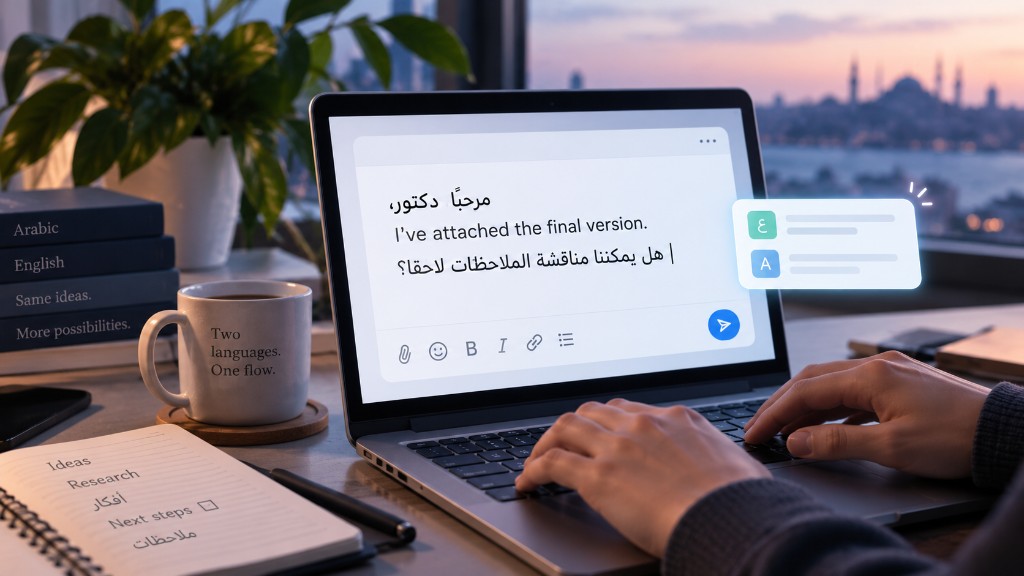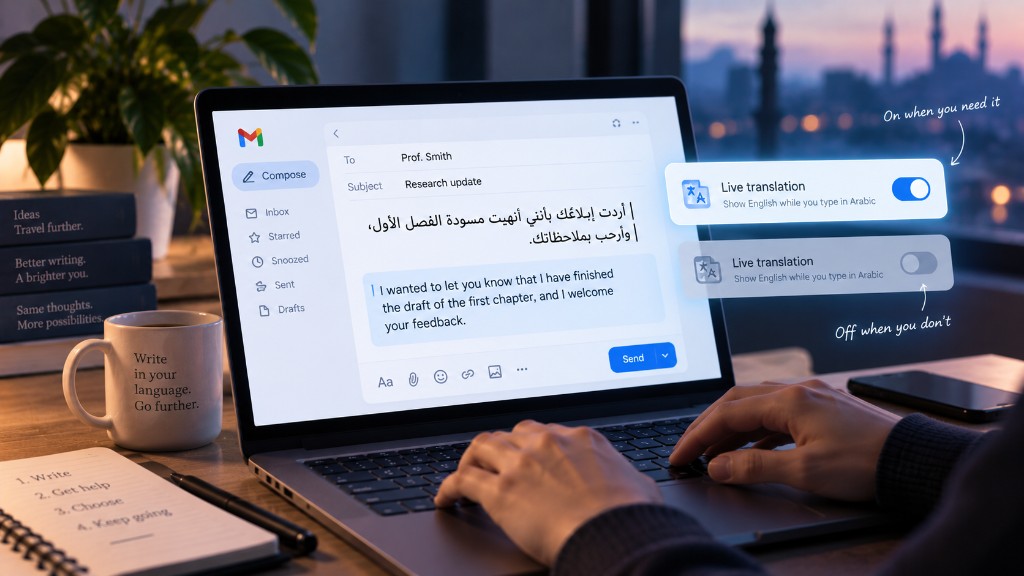
Live translation in Flowlary follows Arabic as you type and can show English alongside. It is optional. Off is the default. That is not a buried setting we hope you never find. It is the honest default for people who already write both languages.
Turn it on when you are composing in Arabic and the person on the other side needs English — a professor, a client, a form that only accepts Latin script. Turn it off when you are chatting, thinking, or already mixing freely.
Drafting is not sending
A live English line is a draft aid. It is not a certified translation, a legal rendering, or a promise that names and technical terms survived. Read it. Edit the field. Then send the language you actually intend.
If you only needed one sentence translated, a one-shot translate on selected text is often calmer than a ribbon that updates on every keystroke.
When it gets noisy
Live English under a fast Arabic chat can pull your eyes down on every word. That is useful in a slow email. It is noise in a group thread. The shortcut exists so you can kill it without hunting a menu.
If the overlay covers the text you are typing, that is a bug in the experience, not a reason to “get used to it.” Speed Box and cards should stay small. Live translation should stay a companion line, not a second document.
One-shot versus live
Use on-demand translation when the block is done and you want an English version to paste or compare. Use live translation when you are still forming the Arabic and want a running English sketch.
Both respect the same rule: nothing is applied to the field unless you choose it. Translation is not a silent replace of your Arabic.
Your choice, one shortcut
Bilingual work changes through the day. Morning lecture notes. Afternoon English report. Evening family chat. The same person should not be stuck with a feature that was perfect at noon.
Keep live translation for the hour you need it. Turn it off when you do not. The field stays yours either way.